Cloud Storage Alternatives for 2026 | Secure, Fast & Free Tools
Published: 7 Apr 2026
Today, millions of people use cloud storage to save their important files, photos, and videos online. It helps users access their data anytime and from any device. However, many users are now searching for cloud storage alternatives because they want more storage space, better security, and faster performance.
This easy guide will help you find the 10 best cloud storage alternatives available today. You will learn about different tools, their benefits, and how they can make your file storage easier and safer. By reading this, you can confidently choose the best option for your daily use.
Why do people look for cloud storage alternatives?
Many users rely on cloud file storage, but they often switch when their needs are not fully satisfied. That’s why they search for the best cloud for storage and better online data storage options.
Here is the main reason
- Limited Free Space: Most cloud storage services offer very little free storage, which quickly fills up.
- Expensive Upgrade Plans: Paid plans are costly, so users prefer more affordable online data storage options.
- Privacy Concerns: Users want stronger security and encryption to protect their personal files.
- Slow Upload & Download Speed: Slow upload and download speeds make it difficult to transfer large files quickly.
- Lack of Advanced Features: Some services lack useful tools such as backup, sharing, or collaboration.
- Device Compatibility Issues: Users prefer cloud storage that works smoothly on all devices without errors.
Because of these reasons, users start exploring better cloud storage alternatives.
10 Best cloud storage alternatives for 2026
Based on the latest 2026 cloud storage trends, these tools are considered the most reliable, secure, and widely used alternatives for storing and syncing files. Below is a list of the 10 best cloud storage services offering secure, reliable file storage.
- Google Drive
- Microsoft OneDrive
- Dropbox
- MEGA
- pCloud
- Sync.com
- Proton Drive
- Nextcloud
- Syncthing
- Cozy Cloud
1. Google Drive (Best for Collaboration)
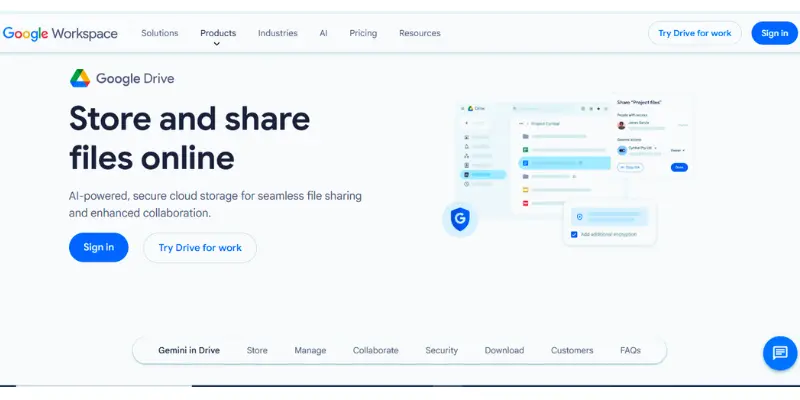
Google Drive is a widely used cloud storage platform that lets users store and manage their files. You can save documents, photos, and videos and access them anytime from any device, such as a mobile phone or computer.
It is a great choice for users who want a simple and reliable file storage solution with easy sharing and collaboration features.
Key Features
- 15 GB of free storage for all users
- Easy file upload, download, and sharing
- Real-time collaboration with multiple users
- Integration with Docs, Sheets, and Slides
- Works on mobile, desktop, and web
| Pros |
|---|
|
| Cons |
|---|
|
Pricing (Free & Paid)
Google Drive offers 15 GB of free storage to all users. If you need more space, you can upgrade to paid plans with higher storage options based on your needs.
Why Choose This Tool?
If you need an easy-to-use cloud-based storage option that supports file sharing and teamwork, this tool is a reliable choice for everyday use.
2. Microsoft OneDrive (Best for Windows & Office Users)
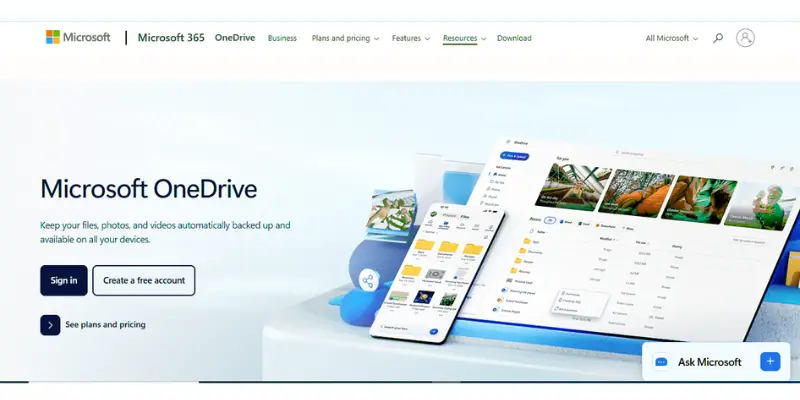
Microsoft OneDrive is a cloud storage service developed by Microsoft that allows users to store files online and access them from any device. It is deeply integrated with Windows and Microsoft Office, making it a strong choice for both personal and business users.
It is widely used for saving documents, photos, and backups while keeping them synced across devices
Key Features
- 5 GB free storage for all users
- Automatic file backup from Windows devices
- Integration with Microsoft Office (Word, Excel, PowerPoint)
- File syncing across mobile, desktop, and web
- Personal Vault feature for extra file protection
- Easy file sharing via links
| Advantages |
|---|
|
| Disadvantages |
|---|
|
Pricing (Free & Paid)
OneDrive provides 5 GB of free storage. For more storage and premium features, users can upgrade through Microsoft 365 plans that include additional cloud space and Office apps.
Why Choose This Tool?
If you already use Windows or Microsoft Office, OneDrive is a smooth, reliable cloud storage solution that keeps your files synced and secure across all devices.
3. Dropbox (Best for Fast File Syncing)
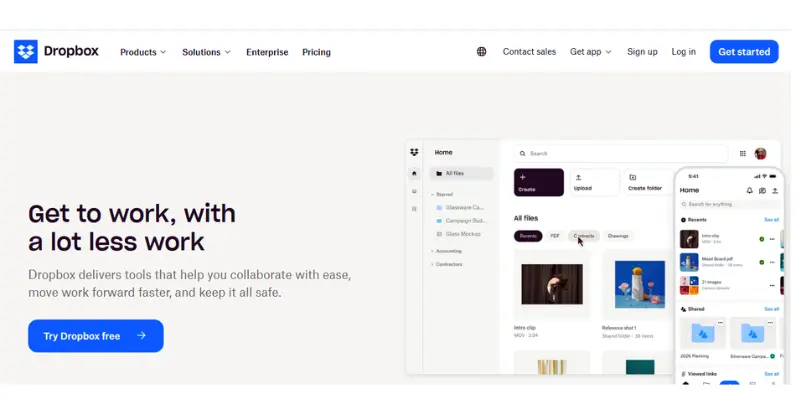
Dropbox is a popular file-sharing platform that helps users store and sync their files across different devices. It allows you to access your data anytime and keeps your files updated automatically.
It is a great option for users who need a fast, reliable file-syncing solution for personal and professional use.
Key Features
- Automatic file syncing across devices
- Easy file sharing with links
- File backup and recovery options
- Works on mobile, desktop, and web
- Simple and clean interface
| Advantages |
|---|
|
| Disadvantages |
|---|
|
Pricing (Free & Paid)
Dropbox offers 2 GB of free storage for new users. For more space and advanced features, users need to upgrade to paid plans.
Why Choose This Tool?
If you need a fast, smooth file-syncing service that keeps your data up to date across all devices, this tool is a strong, reliable option.
4. MEGA (Secure Cloud Storage with Free Space)
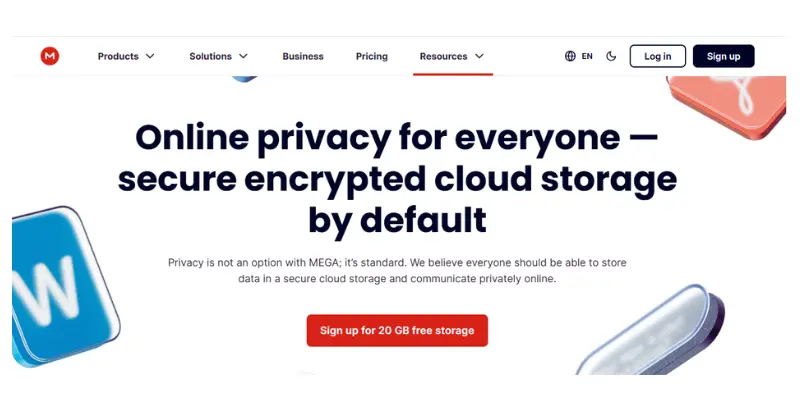
MEGA is a cloud storage service that allows users to store files online and access them from any device. It is well known for offering strong security and end-to-end encryption, which helps keep files private and protected.
It is a good option for users who want a secure file storage solution with a large amount of free space compared to many other online storage services
Key Features
- 20 GB free cloud storage for new users
- End-to-end encryption for file protection
- Secure file sharing with encrypted links
- Sync files across mobile and desktop devices
- File versioning and recovery options
| Advantages |
|---|
|
| Disadvantages |
|---|
|
Pricing (Free & Paid)
MEGA offers around 20 GB of free storage for new users. Paid plans are available for users who need more cloud space and higher transfer limits.
Why Choose This Tool?
MEGA is a strong option if you are looking for a secure cloud storage service with good free space and privacy protection. It is especially useful for users who want encrypted file storage and safe file sharing.
5. pCloud (Flexible Cloud Storage with Lifetime Option)
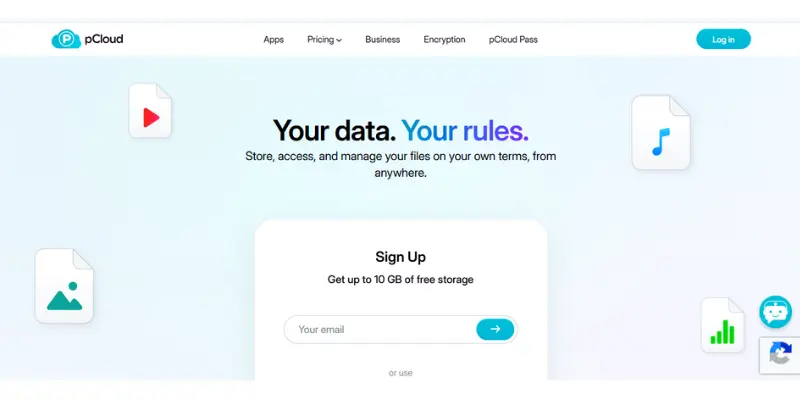
pCloud is a cloud storage service that helps users store, access, and manage files online. It is known for its flexible storage plans and strong file management features.
It is a useful option for people who want a reliable online storage solution for personal files, photos, and business documents.
Key Features
- File sync across multiple devices
- Built-in media player for audio and video files
- File sharing via secure links
- Optional client-side encryption (pCloud Crypto feature)
- Backup support from computer and mobile devices
| Pros |
|---|
|
| Cons |
|---|
|
Pricing (Free & Paid)
pCloud offers a free plan with limited storage. Paid plans include monthly, yearly, and lifetime options depending on storage needs.
Why Choose This Tool?
pCloud is a good choice if you want a flexible file storage service with strong media support and long-term storage options. It is especially useful for users who want both convenience and reliability.
6. Sync.com (Privacy-Focused Cloud Storage Solution)
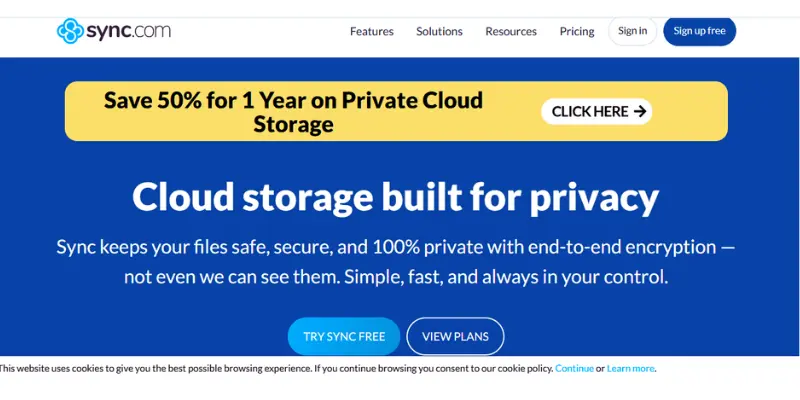
Sync.com is a cloud storage that prioritizes privacy and data protection. It allows users to store files online and access them from any device while keeping their data fully encrypted.
It is a good option for users who want a secure online file storage solution without compromising privacy.
Key Features
- End-to-end encryption for all files
- File sharing with password protection
- Link expiration for shared files
- Automatic backup and sync across devices
- Access files from web, mobile, and desktop apps
| Pros |
|---|
|
| Cons |
|---|
|
Pricing (Free & Paid)
Sync.com offers a free plan with limited storage. Paid plans provide more space and advanced features for individuals and teams.
Why Choose This Tool?
Sync.com is a strong choice if you need a secure cloud storage service that protects your files with end-to-end encryption and keeps your data private at all times.
7. Proton Drive (Privacy-First Encrypted Storage Platform)
Proton Drive is a secure online storage tool designed for users who prioritize privacy and data protection. It keeps files fully encrypted, which means only the user can access their content.
It is mainly used by people who want a secure digital file vault for personal or sensitive information.
Key Features
- End-to-end encryption for all uploaded files
- Zero-access architecture (no one except the user can view data)
- Secure sharing links with protection options
- File version recovery system
- Works through web and mobile applications
| Pros |
|---|
|
| Cons |
|---|
|
Pricing (Free & Paid)
Proton Drive provides a basic free plan with limited space. Paid plans unlock additional storage and full access to Proton’s privacy ecosystem.
Why Choose This Tool?
Proton Drive is ideal for users who want maximum privacy and a secure file storage environment where data remains fully protected and inaccessible to third parties.
8. Nextcloud (Self-Hosted File Storage and Control System)
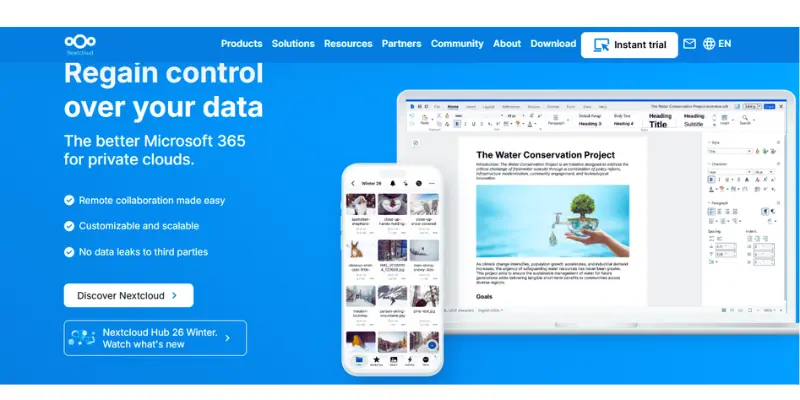
Nextcloud is an open-source platform that allows users to create their own private file storage system. Unlike traditional online storage tools, it can be hosted on a personal server or rented hosting, giving full control over data.
It is ideal for users who want a self-managed file storage solution with complete ownership of their files.
Key Features
- Self-hosted file storage setup
- File syncing across multiple devices
- Sharing files with users or public links
- Calendar, notes, and contacts integration
- Version control for file recovery
- Works with desktop, mobile, and web access
| Pros |
|---|
|
| Cons |
|---|
|
Pricing (Free & Paid)
Nextcloud software is free to use, but users may need to pay for hosting or server services depending on their setup. Paid hosting options are also available from third-party providers.
Why Choose This Tool?
Nextcloud is best for users who want full ownership of their data and prefer a personalized storage system instead of relying on big tech companies.
9. Syncthing (Peer-to-Peer File Sync Tool)
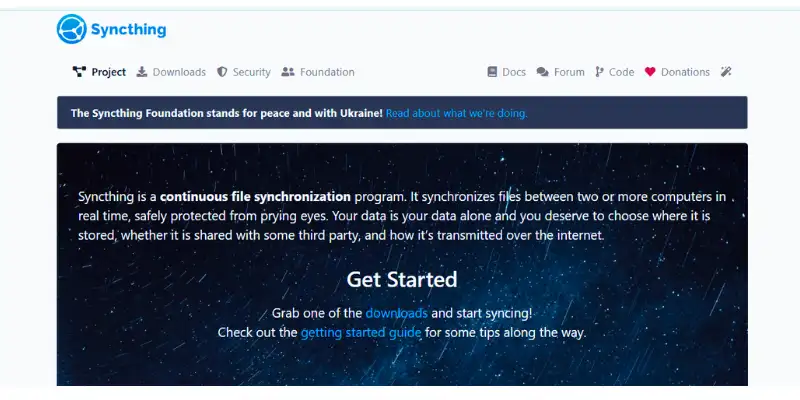
Syncthing is a free and open-source tool that syncs files directly between devices without using any cloud server. It establishes a direct connection between your devices and automatically keeps your files up to date.
It is useful for users who want a decentralized file syncing solution without storing data on third-party servers.
Key Features
- Direct device-to-device file syncing
- No central server or cloud storage involved
- Automatic real-time file updates
- Secure encrypted connections between devices
- Works on Windows, macOS, Linux, and Android
| Pros |
|---|
|
| Cons |
|---|
|
Pricing (Free & Paid)
Syncthing is completely free and open-source. There are no paid plans or subscription costs.
Why Choose This Tool?
Syncthing is ideal for users who want a private file synchronization system without relying on cloud servers, giving full control over where their data moves.
10. Cozy Cloud (Personal Cloud & Digital Life Organizer)
Cozy Cloud is a personal cloud platform that helps users store files, manage personal data, and organize digital life in one place. It is designed for individuals who want a simple and secure way to manage documents, photos, and personal information online.
It works like a private digital hub where you can keep everything organized and accessible anytime.
Key Features
- Personal cloud storage for files and photos
- Automatic data backup and sync
- Integrated apps for bills, notes, and documents
- Easy file sharing and access from any device
- Privacy-focused data control
- Simple dashboard for personal organization
| Pros |
|---|
|
| Cons |
|---|
|
Pricing (Free & Paid)
Cozy Cloud offers both free and paid plans. The free version includes basic storage, while paid plans offer more storage and advanced features.
Why Choose This Tool?
Cozy Cloud is best for users who want a simple personal cloud system that not only stores files but also helps manage everyday digital tasks in one place.
Cloud Storage Alternatives Comparison Table
Here is a quick comparison of the best cloud storage and file sync tools for beginners and advanced users.
| Tool Name | Type | Best For | Pricing |
| Google Drive | Cloud Storage | Everyday use | Free + Paid |
| Microsoft OneDrive | Cloud Storage | Microsoft users | Free + Paid |
| Dropbox | File Sync | Team collaboration | Free + Paid |
| MEGA | Cloud Storage | High privacy storage | Free + Paid |
| pCloud | Cloud Storage | Secure file storage | Free + Paid |
| Sync.com | Secure Storage | Privacy-focused users | Paid |
| Proton Drive | Encrypted Storage | Maximum security users | Free + Paid |
| Nextcloud | Self-hosted Storage | Full control users | Free (hosting cost) |
| Syncthing | Peer-to-peer Sync | Device syncing | Free |
| Cozy Cloud | Personal Cloud | Digital life management | Free + Paid |
Conclusion
So guys, it’s time to finish up! In this article, we’ve covered cloud storage alternatives in detail. If I personally recommend one, Google Drive is the best starting point because it is simple, reliable, and perfect for everyday use. However, if your focus is privacy, then Proton Drive or Sync.com can be better choices. Now it’s your turn, pick the tool that fits your needs and start organizing your files smarter today.
Frequently Asked Questions
MEGA usually offers one of the highest free storage limits compared to other cloud services.
Yes, cloud storage is generally safe, especially platforms that use encryption and security features like password protection and two-factor authentication.
Yes, most cloud storage services offer free plans with limited storage, such as Google Drive, MEGA, and OneDrive.
It depends on usage. For privacy, Proton Drive or Sync.com can be better, while for Windows users, OneDrive may be more suitable.
Proton Drive and Sync.com are considered among the safest due to strong end-to-end encryption.
Dropbox is better for fast syncing and sharing, while OneDrive is better for Windows and Microsoft Office users.

- Be Respectful
- Stay Relevant
- Stay Positive
- True Feedback
- Encourage Discussion
- Avoid Spamming
- No Fake News
- Don't Copy-Paste
- No Personal Attacks
- Be Respectful
- Stay Relevant
- Stay Positive
- True Feedback
- Encourage Discussion
- Avoid Spamming
- No Fake News
- Don't Copy-Paste
- No Personal Attacks
