PC maintenance checklist
Published: 14 Jan 2026
A PC needs care to work fast and stay safe. If you ignore it, your computer can become slow. It may even crash or lose important files. Regular maintenance keeps your PC clean and healthy. It also helps your programs run smoothly.
In this guide, we give you a simple PC maintenance checklist. You can follow it every day, week, or month. It covers both software and hardware tips. By following these steps, your PC will last longer. You will also save time and money on repairs.
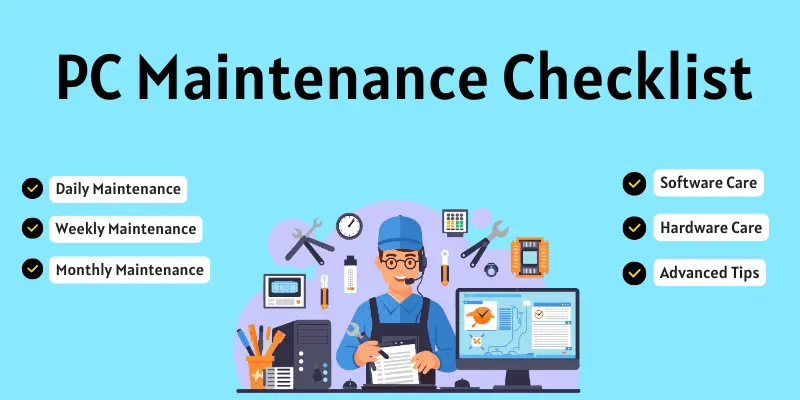
PC maintenance checklist step by step
PC maintenance is very important to keep your computer fast and safe. It helps your PC work properly and last longer.
- Daily Maintenance
- Weekly Maintenance
- Monthly Maintenance
- Software Care
- Hardware Care
- Advanced Tips
1. Daily Maintenance
Daily maintenance means taking small steps every day to keep your PC healthy. Doing these tasks regularly helps your computer run fast and stay safe. Even a few minutes of care can prevent big problems later.
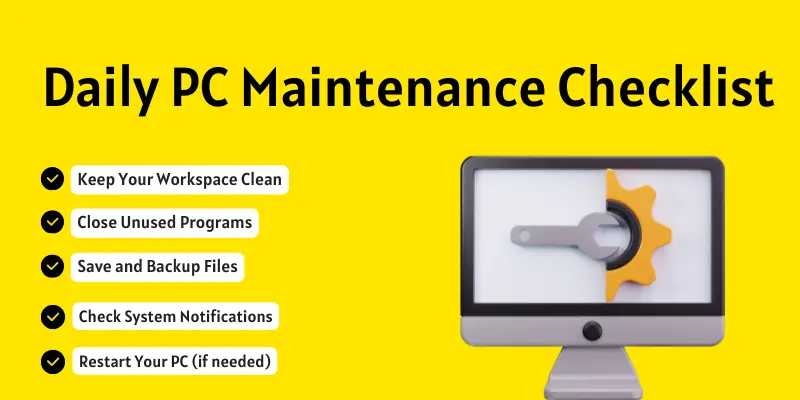
- Keep Your Workspace Clean
A clean workspace helps your PC stay safe from dust and dirt. Wipe your desk, keyboard, and mouse every day. Avoid keeping food or drinks near your computer. Dust and spills can damage your PC parts. - Close Unused Programs
Closing unused programs helps your PC run faster. Open apps use memory and slow down your computer. Check which programs you don’t need and close them. This keeps your PC smooth and fast all day. - Save and Backup Files
Always save your important files every day. Don’t forget to back them up to cloud storage or an external drive. Backing up keeps your files safe if your PC crashes or has a problem. - Check System Notifications
Look at your PC notifications every day. These may include updates, warnings, or errors. Fixing small problems early keeps your computer safe and running smoothly. - Restart Your PC (if needed)
Restart your PC at least once a day if you notice it slowing down. Restarting refreshes the system memory and closes unnecessary processes. This helps your computer run faster and more smoothly.
2. Weekly Maintenance
Weekly maintenance means doing a few more steps to keep your PC healthy. These tasks take a little more time than daily care. Doing them every week helps your computer stay fast and safe.
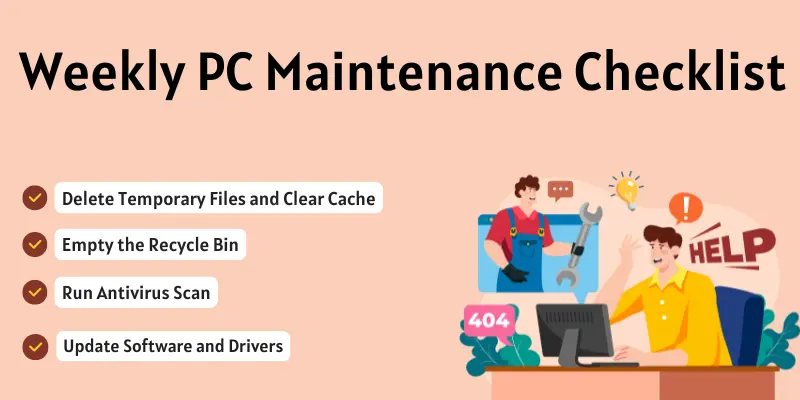
- Delete Temporary Files and Clear Cache
Temporary files and cache take up space on your PC. Delete them every week to free up memory. This helps your computer run faster. - Empty the Recycle Bin
Old files in the Recycle Bin waste storage space. Empty it once a week to keep your PC clean. - Run Antivirus Scan
Check your PC for viruses and malware weekly. A full scan keeps your computer safe from threats. - Update Software and Drivers
Keep your programs and drivers updated. Updates fix bugs and improve performance.
3. Monthly Maintenance
During monthly maintenance, check your PC in more detail. These steps help your computer stay fast and last longer. Doing them regularly prevents big problems and keeps your PC healthy.
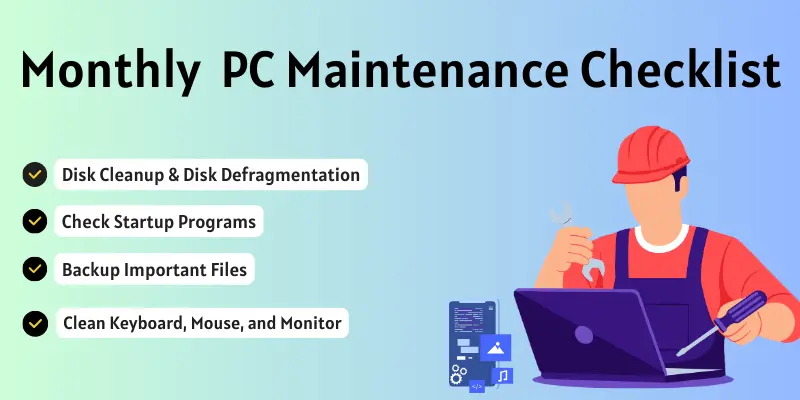
- Disk Cleanup & Disk Defragmentation
Clean up old files and organize your hard drive. This frees up space and makes your PC faster. - Check Startup Programs
Some programs start automatically and slow down your PC. Disable the ones you don’t need. - Backup Important Files
Make a full backup of your important files. Use an external drive or cloud storage. - Clean Keyboard, Mouse, and Monitor
Dust and dirt can damage your PC parts. Wipe them carefully every month.
4. Software Maintenance
In Software maintenance, taking care of the programs on your PC. Keeping your software up to date and clean helps your computer run smoothly. It also protects your PC from viruses and errors.
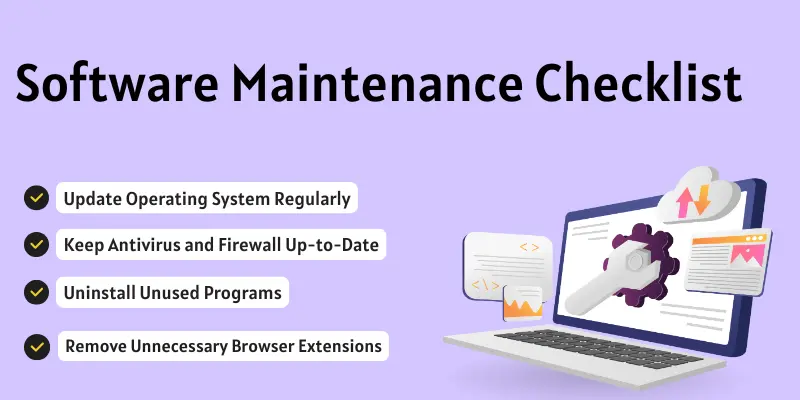
- Update Operating System Regularly
Always install the latest updates for your Windows or Mac. Updates fix bugs and improve security. - Keep Antivirus and Firewall Up-to-Date
Your PC needs protection from viruses and malware. Update antivirus and firewall programs weekly or as needed. - Uninstall Unused Programs
Remove programs you don’t use. This frees up space and makes your PC faster. - Remove Unnecessary Browser Extensions
Too many browser extensions can slow down your PC. Keep only the ones you need.
5. Hardware Maintenance
In hardware maintenance, taking care of the physical parts of your PC. Cleaning and checking hardware helps your computer work better and last longer. Small problems can be fixed before they become big issues.
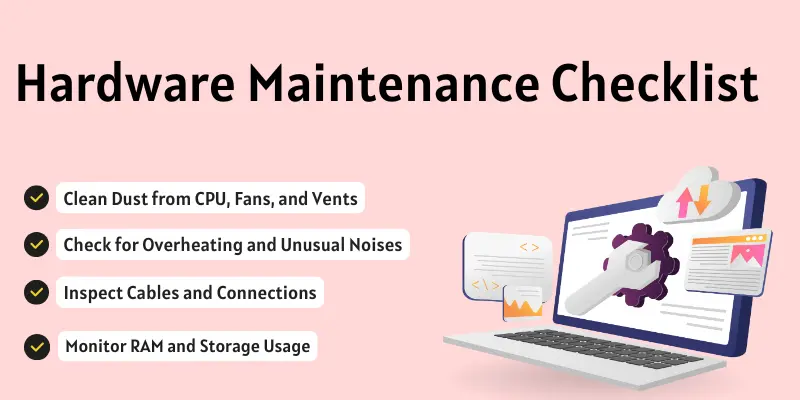
- Clean Dust from CPU, Fans, and Vents
Dust can make your PC hot and slow. Wipe it carefully or use a blower to remove dust. - Check for Overheating and Unusual Noises
Listen to your PC and feel if it is too hot. Strange sounds may indicate a hardware problem. - Inspect Cables and Connections
Make sure all cables are connected properly. Loose wires can cause errors or damage. - Monitor RAM and Storage Usage
Check if your memory or storage is almost full. Too much load can slow down your PC.
Advanced Maintenance Tips
In advanced maintenance, you can do extra steps to keep your PC in top shape. These tasks help you find hidden problems and improve your computer’s speed and safety. They are useful for users who want their PC to work like new.
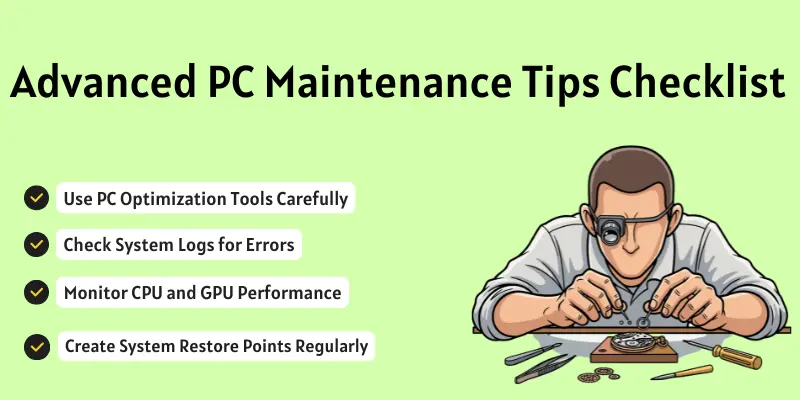
- Use PC Optimization Tools Carefully
Some tools can make your PC faster. But don’t use unknown or unsafe programs. Only trusted tools are safe. - Check System Logs for Errors
Your PC keeps records of errors in system logs. Check them to fix small problems early. - Monitor CPU and GPU Performance
Keep an eye on how your processor and graphics card are working. High usage may slow down your PC. - Create System Restore Points Regularly
A restore point saves your PC settings. If something goes wrong, you can go back to a safe state.
PC Maintenance for Gamers
Gamers use their PC for long hours and play heavy games. This can make the computer hot and slow. Following simple maintenance steps helps games run smoothly and keeps the PC safe.
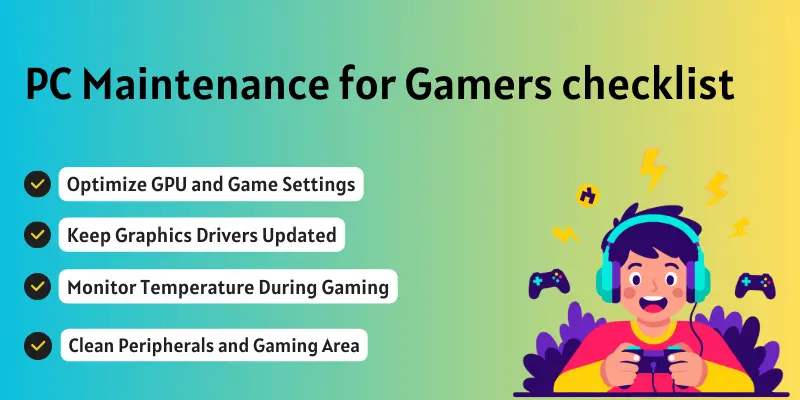
- Optimize GPU and Game Settings: Adjust graphics settings to match your PC performance. This prevents lag and overheating.
- Keep Graphics Drivers Updated: Updated drivers improve game performance and fix bugs. Check them regularly.
- Monitor Temperature During Gaming: Check CPU and GPU temperatures. High heat can damage your PC.
- Clean Peripherals and Gaming Area: Dust and dirt in keyboards, mouse, and console area can cause problems. Clean them weekly.
Tools and Software for PC Maintenance
Some tools can help you keep your PC clean and fast. Using the right software makes maintenance easier and safer. They save time and prevent errors.
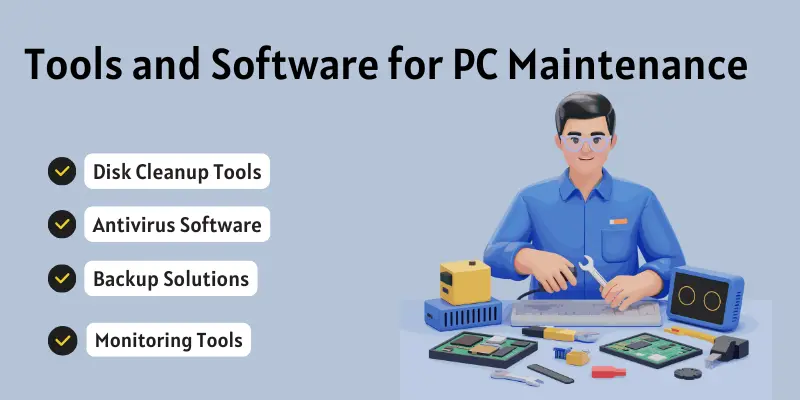
- Disk Cleanup Tools: Use built-in tools such as Windows Disk Cleanup, or safe programs like CCleaner. These remove old and unnecessary files.
- Antivirus Software: Programs such as Avast, Norton, and Windows Defender protect your PC from viruses and malware.
- Backup Solutions: Use cloud storage, such as Google Drive, or external drives to save important files.
- Monitoring Tools: It is a programs like HWMonitor or Speccy that help you check CPU, GPU, and temperature.
Signs Your PC Needs Maintenance
Sometimes your PC shows signs that it needs care. Paying attention to these signs can prevent bigger problems. Fixing them early keeps your computer fast and safe.
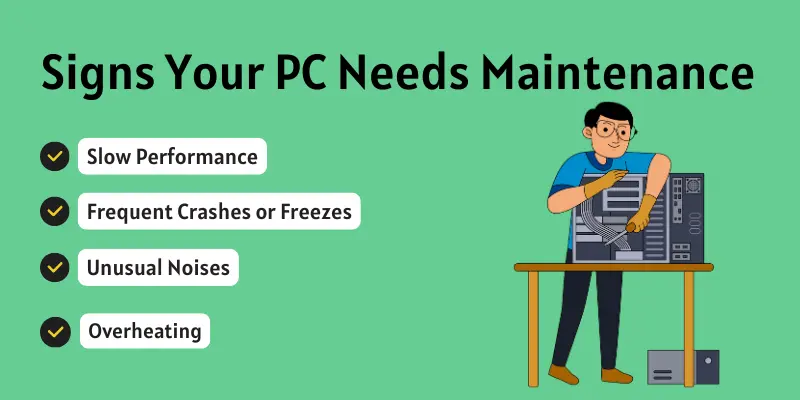
- Slow Performance: If your PC is taking too long to open programs, it may need cleaning or updates.
- Frequent Crashes or Freezes: Random shutdowns or freezes are a warning to check software and hardware.
- Unusual Noises: Strange sounds from fans or hard drives can mean dust or hardware issues.
- Overheating: If your PC gets very hot, it needs to be cleaned, and airflow improved.
- Error Messages: Frequent error pop-ups mean your PC needs software or system maintenance.
Common Mistakes to Avoid
Many people make mistakes while maintaining their PC. These mistakes can slow down the computer or cause problems. Learning what to avoid helps your PC stay fast and safe.
- Ignoring Updates
Not installing updates can make your PC slow or unsafe. Always update your system and software. - Using Unverified Optimization Tools
Some tools may harm your PC. Use only trusted programs. - Not Backing Up Data
If you don’t back up files, you may lose important documents. Always save copies. - Neglecting Physical Cleaning
Dust and dirt can damage hardware. Clean your PC regularly.
Conclusion
So guys, it’s time to finish up! In this article, we have covered the PC maintenance checklist in detail. I always recommend doing daily, weekly, and monthly care to keep your PC fast and safe. Start following these tips today and enjoy a smooth, trouble-free computer experience!
FAQs about computer maintenance
Computer maintenance is the care of a computer to keep it working well. It includes cleaning, updating software, and checking files. Regular maintenance keeps the PC fast, safe, and healthy.
There are four main types of computer maintenance. These are preventive, corrective, adaptive, and predictive maintenance. All of them help keep a computer working properly and avoid problems.
You should do daily maintenance every day. It only takes a few minutes. Small daily care keeps your PC fast and safe.
Dust and dirt can damage hardware. Cleaning prevents overheating and slows down problems. A clean PC works better and lasts longer.
Yes, updates fix bugs and improve security. They make programs run smoothly. Updating prevents errors and keeps your PC safe.
You can do most maintenance yourself, like cleaning, updating software, and backing up files. Only fix hardware problems if you know how. For serious issues, ask a professional.

- Be Respectful
- Stay Relevant
- Stay Positive
- True Feedback
- Encourage Discussion
- Avoid Spamming
- No Fake News
- Don't Copy-Paste
- No Personal Attacks
- Be Respectful
- Stay Relevant
- Stay Positive
- True Feedback
- Encourage Discussion
- Avoid Spamming
- No Fake News
- Don't Copy-Paste
- No Personal Attacks
